
Download Connectivity Fixer – connectivity fixer, internet fixer, network fixer, troubleshooting tool, mobile connectivity
Overview
Connectivity Fixer is a targeted utility application designed to address common internet connectivity issues that disrupt the browsing experience on mobile devices. Developed by Joe C. Jones, the app aims to resolve problems such as slow page loading, browser errors, and unstable network connections through a streamlined interface. Its primary purpose is to provide users with a simple, one-click solution to troubleshoot and potentially restore internet functionality without requiring technical expertise.
The app is particularly useful for individuals who frequently encounter network instability or experience intermittent access to online services. Whether used at home, in the office, or on the go, Connectivity Fixer offers a lightweight tool for users seeking immediate relief from connectivity disruptions. It functions as a supplementary aid within the broader ecosystem of mobile network management tools, filling a niche for users who prefer a no-frills, accessible solution.
Although the developer did not provide additional technical details about the underlying mechanisms, the app’s focus on quick resolution and continuous monitoring suggests a proactive approach to network health. Real-world use cases include restoring connectivity after a Wi-Fi drop, clearing temporary network glitches, or verifying the stability of a mobile data connection. For users who rely heavily on consistent internet access, even a basic tool like this can contribute to improved digital productivity and reduced frustration.
Key Features & Functionality
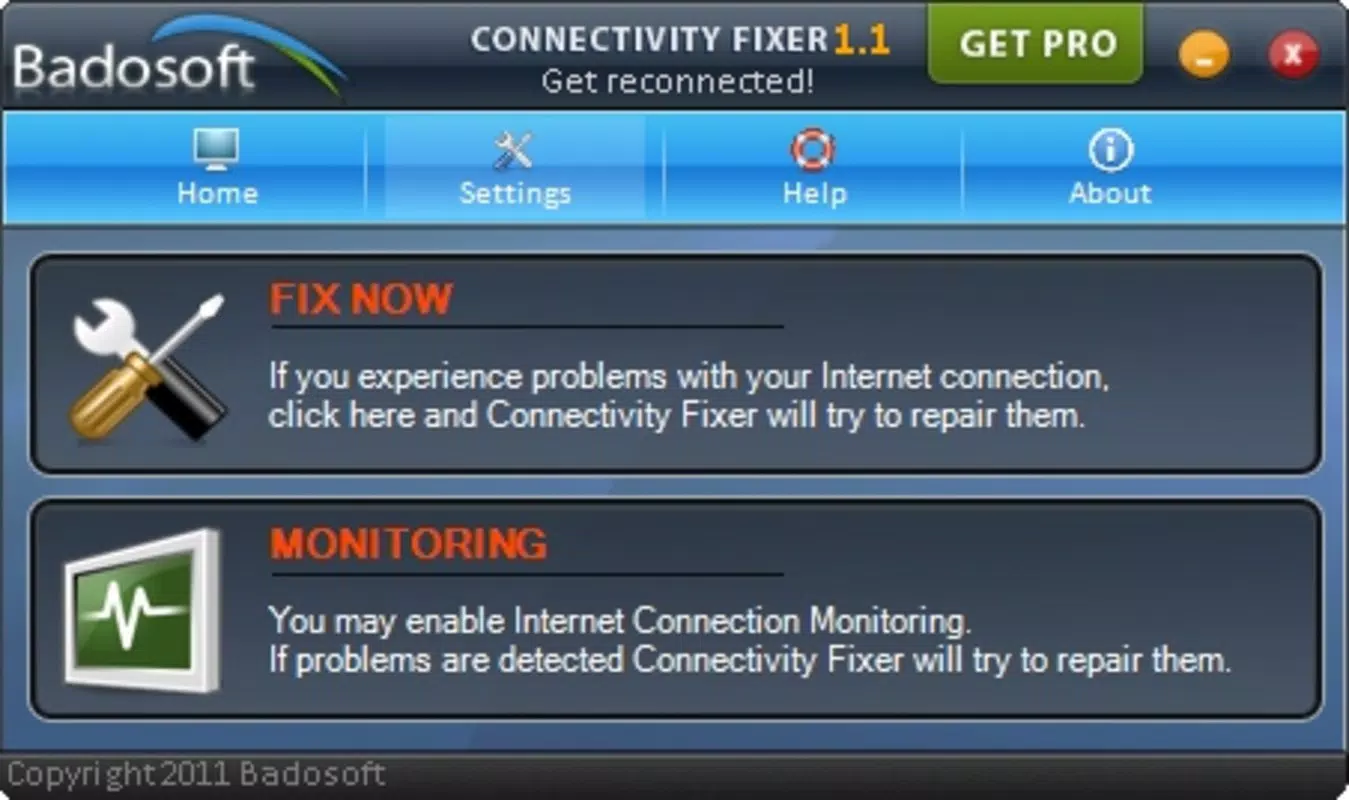
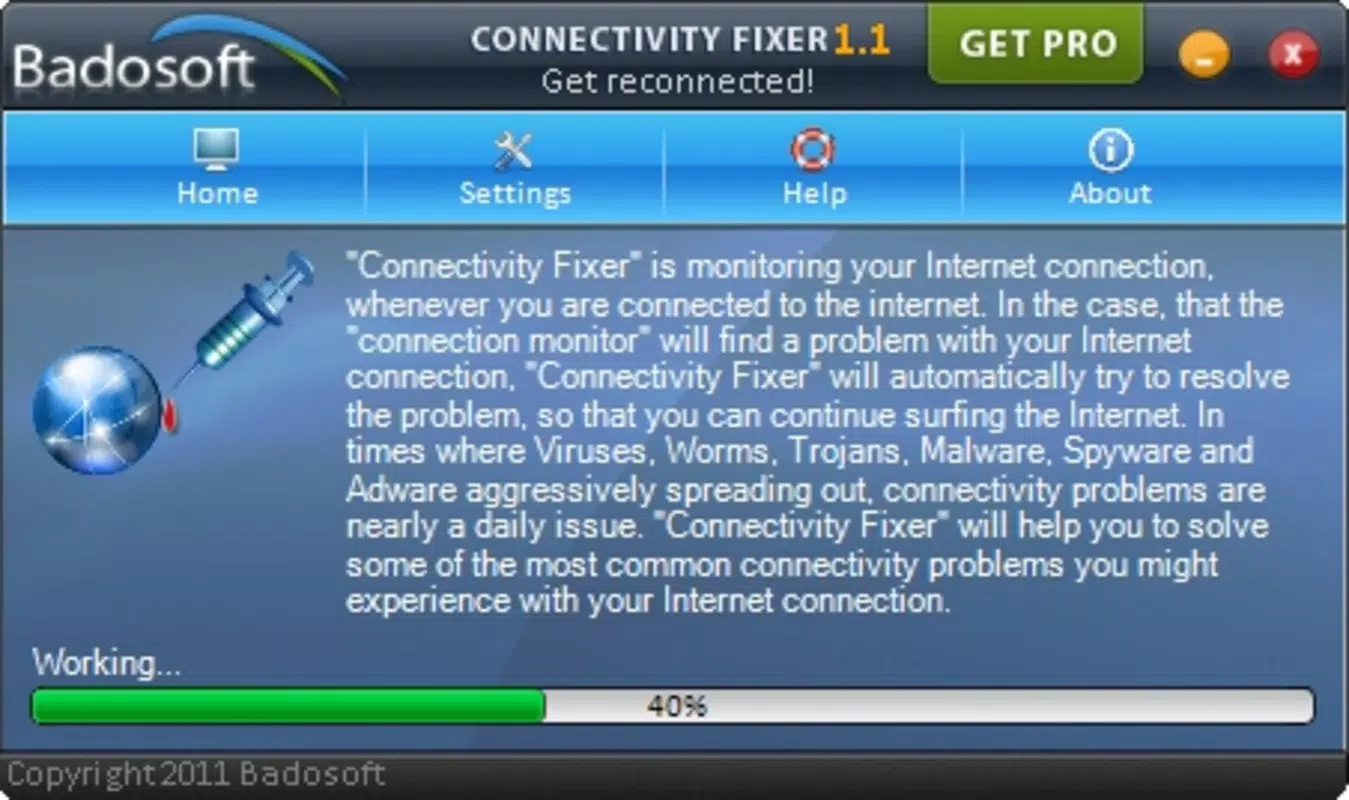
- One-Click Problem Solver: The app allows users to initiate a troubleshooting sequence with a single tap. This feature is designed to detect and attempt to resolve common network anomalies, such as DNS failures or connection timeouts, without requiring manual configuration.
- User-Friendly Interface: Connectivity Fixer features a minimalistic layout with clear navigation and intuitive controls. The interface is optimized for ease of use, making it accessible to users with limited technical knowledge.
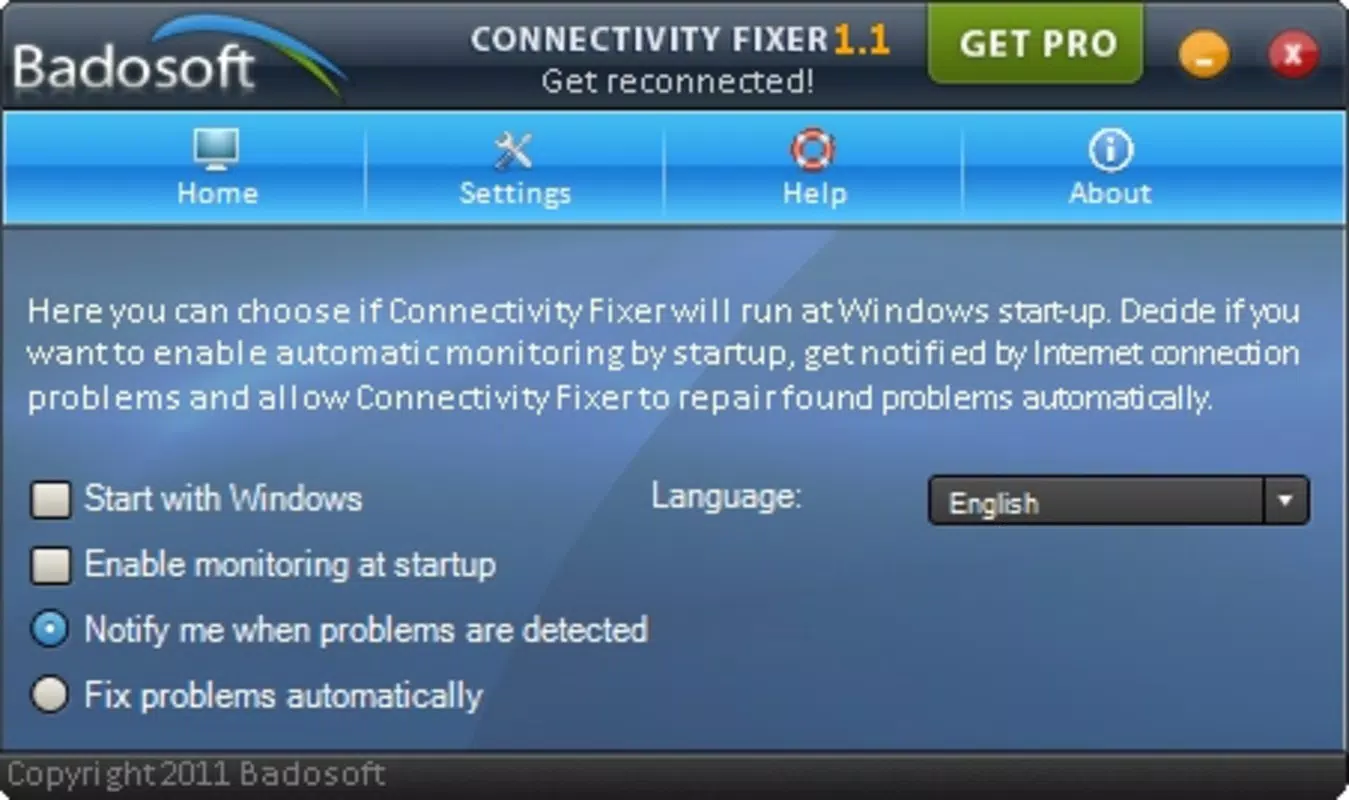
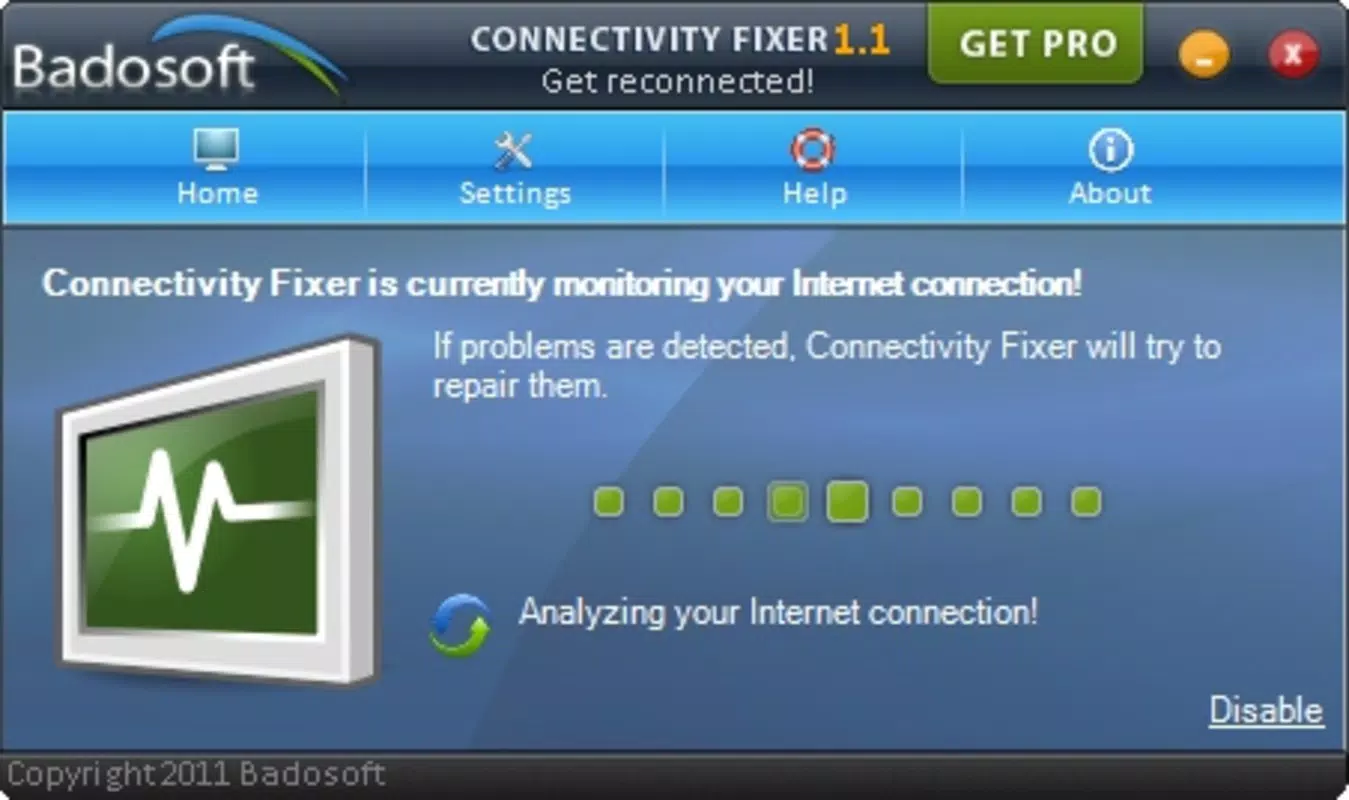
- Connection Monitoring: The app includes a background monitoring function that tracks network performance over time. This capability enables users to identify recurring issues and assess the stability of their internet connection.
- Versatile Problem Addressing: It is engineered to handle a range of typical connectivity problems, including slow loading speeds, intermittent disconnections, and error messages in web browsers.
- Potential for Improvement: While the app demonstrates a commitment to user convenience, its effectiveness may vary depending on the root cause of network issues. Users should manage expectations regarding guaranteed fixes.
For example, a user experiencing a sudden loss of internet access after switching between Wi-Fi and mobile data could use the one-click feature to reset the connection state. Similarly, someone working remotely might use the monitoring function to detect early signs of network degradation before a critical meeting.
Interface, UX & Performance
The user interface of Connectivity Fixer is designed with simplicity in mind. It presents essential functions in a clean, uncluttered layout, minimizing cognitive load and ensuring that users can initiate troubleshooting without confusion. Navigation is linear and consistent, with primary actions clearly labeled and accessible from the home screen.
Visual elements are minimal, focusing on functionality rather than aesthetic embellishment. The app’s responsiveness appears to be optimized for basic interaction, with immediate feedback upon button presses. Although the developer did not list formal performance metrics, the app’s small file size of 3.4 MB suggests a lightweight footprint that should run efficiently on a variety of Android devices.
Stability is expected to be consistent given the app’s straightforward functionality. However, without access to real-world testing data or user feedback reports, specific performance benchmarks cannot be confirmed. The app likely performs well on mid-range and newer Android devices, though compatibility with older models may vary.
Platform Compatibility & Technical Requirements
Connectivity Fixer is available exclusively on the Android platform. The current version is 1.0.0, and the app’s file size is 3.4 MB, indicating a compact and efficient design. It is offered at no cost, making it accessible to a broad audience.
The developer did not specify minimum OS requirements or compatibility details for different Android versions. As such, users should verify the app’s functionality on their specific device and Android version. The absence of detailed system specifications means that installation and operation may depend on the device’s hardware and software configuration.
Pros and Cons
Pros
- Simple, intuitive interface suitable for all user levels
- Lightweight design with minimal storage impact
- One-click troubleshooting for common connectivity issues
- Background monitoring helps detect network instability
- Free to download and use
Cons
- Effectiveness may vary depending on the underlying network issue
- No detailed technical information provided by the developer
- Compatibility with older Android versions is not confirmed
- Limited feature set compared to advanced network tools
- Results are not guaranteed in all scenarios
FAQ
Is Connectivity Fixer safe to install?
Yes, the app is free and available from trusted sources. As with any mobile application, users should ensure they download it from official or verified platforms to maintain security.
Does Connectivity Fixer require special permissions?
The developer did not disclose specific permissions. However, as a network troubleshooting tool, it may request access to network status and connection information.
Can I use Connectivity Fixer on older Android devices?
While the app’s small size suggests broad compatibility, the developer did not specify minimum OS requirements. Users should test the app on their device to confirm functionality.
How often should I run the troubleshooting tool?
There is no fixed schedule. Users may choose to run it when they experience connectivity issues or use the monitoring feature to track network performance over time.
Is Connectivity Fixer updated regularly?
The app was last released on January 10, 2012. No information is available about future updates or ongoing development.
Final Thoughts
Connectivity Fixer remains a niche but practical tool for users seeking a no-nonsense solution to common internet connectivity problems. Its minimalist design, ease of use, and free access make it a compelling option for individuals who value simplicity and immediate action. While it may not resolve every network issue, its ability to monitor connection stability and attempt quick fixes adds value to the user’s digital toolkit.
For those who frequently face slow loading times, browser errors, or brief disconnections, this app offers a low-effort way to address potential causes. Though its development appears to have paused, its core functionality remains relevant in today’s mobile-first environment.
Download Connectivity Fixer now


